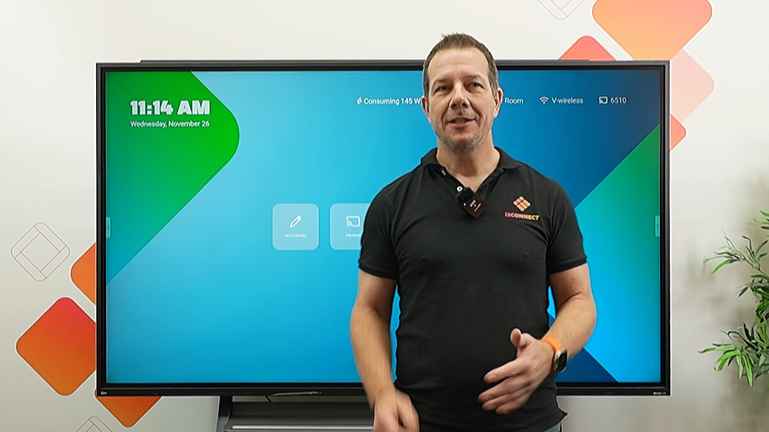
Learn & work better together
With the i3CONNECT online training & courses.
Learn easy ways to get everyone more engaged, how to collaborate effectively, and how to create spaces where all participants can succeed.
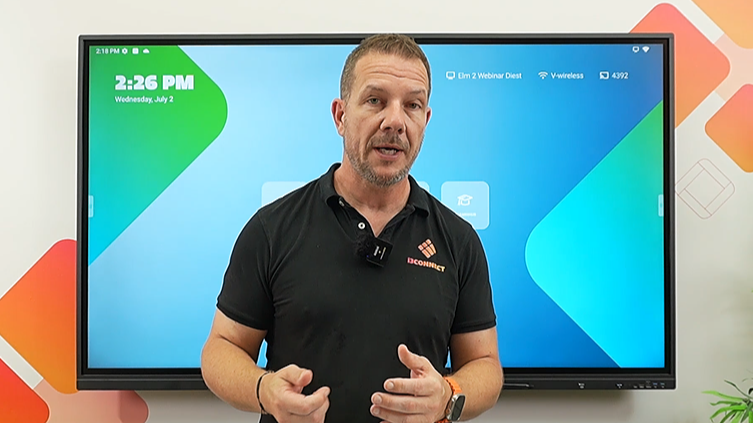
Get up and running fast with Elm 2 training, Studio UI, and Cortex device management. More interactive learning from day one.
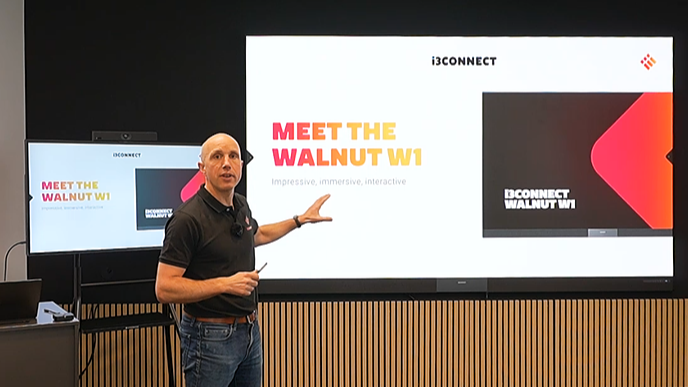
Control slides and annotate live with i3SIXTY 3, then enlarge it with Walnut W1 so every note is visible across large spaces.

Master the Riva R2 interactive display. This course is perfect for new users - whether you are in a classroom or meeting room.
Discover how to control your system remotely, work efficiently with the interface, and get the most from every feature.

Gain confidence in using Studio to navigate touchscreens, access essential tools, and present seamlessly.

Are you spending too much time manually configuring displays? This course transforms how you manage interactive displays.