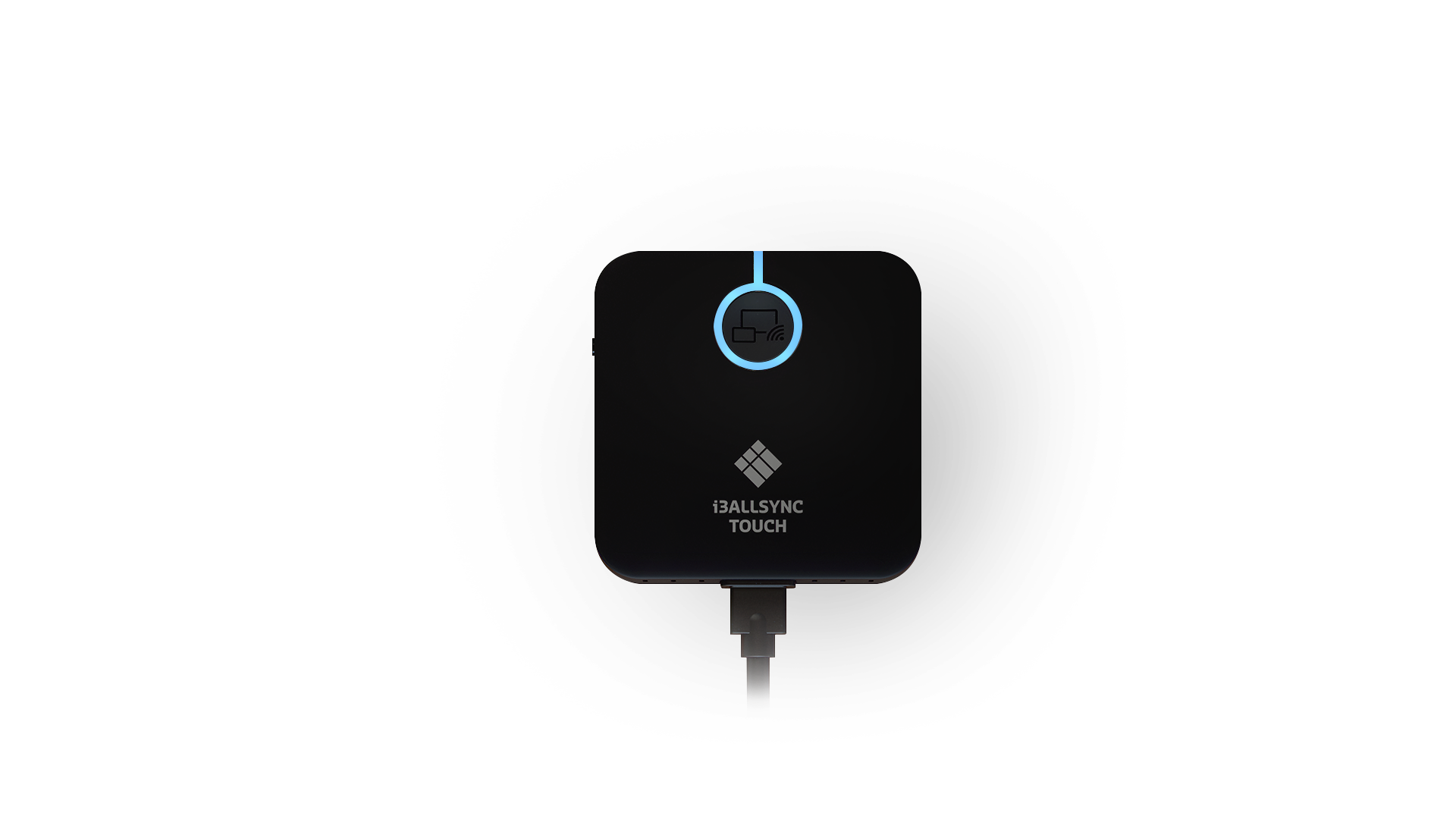
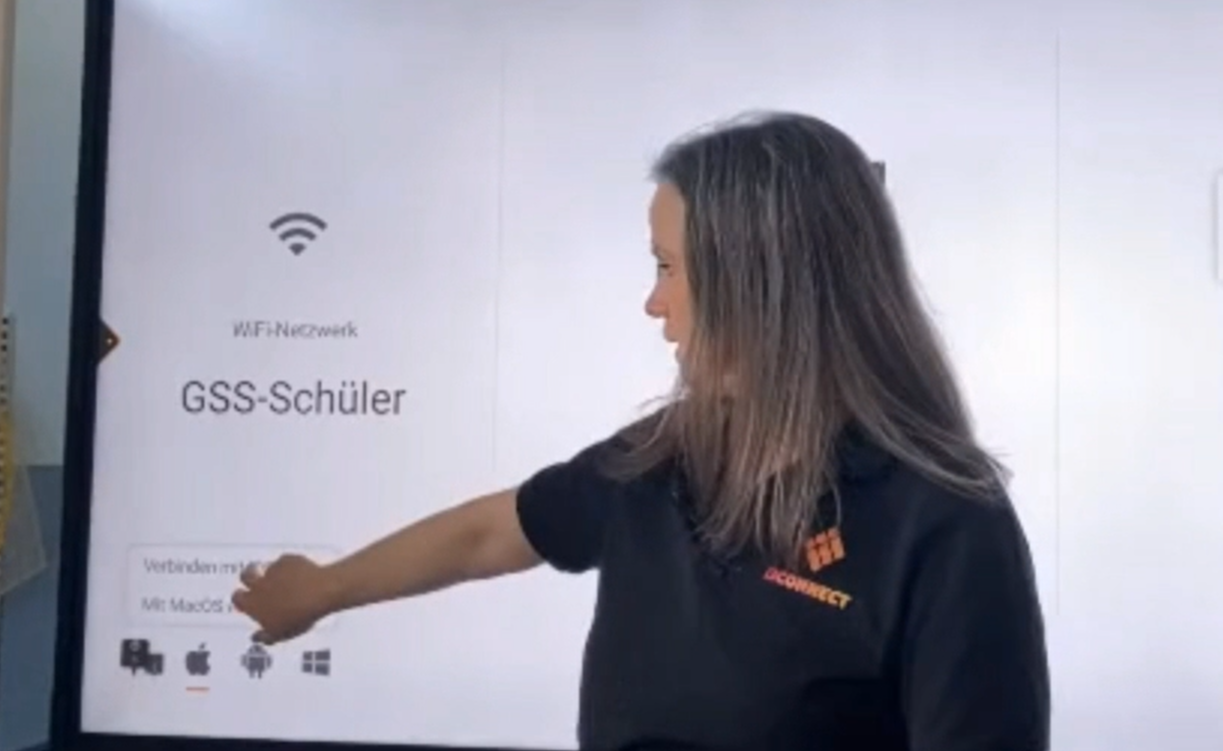
One System for All Devices!
Discover how to seamlessly and wirelessly integrate various devices in the classroom - regardless of the operating system.
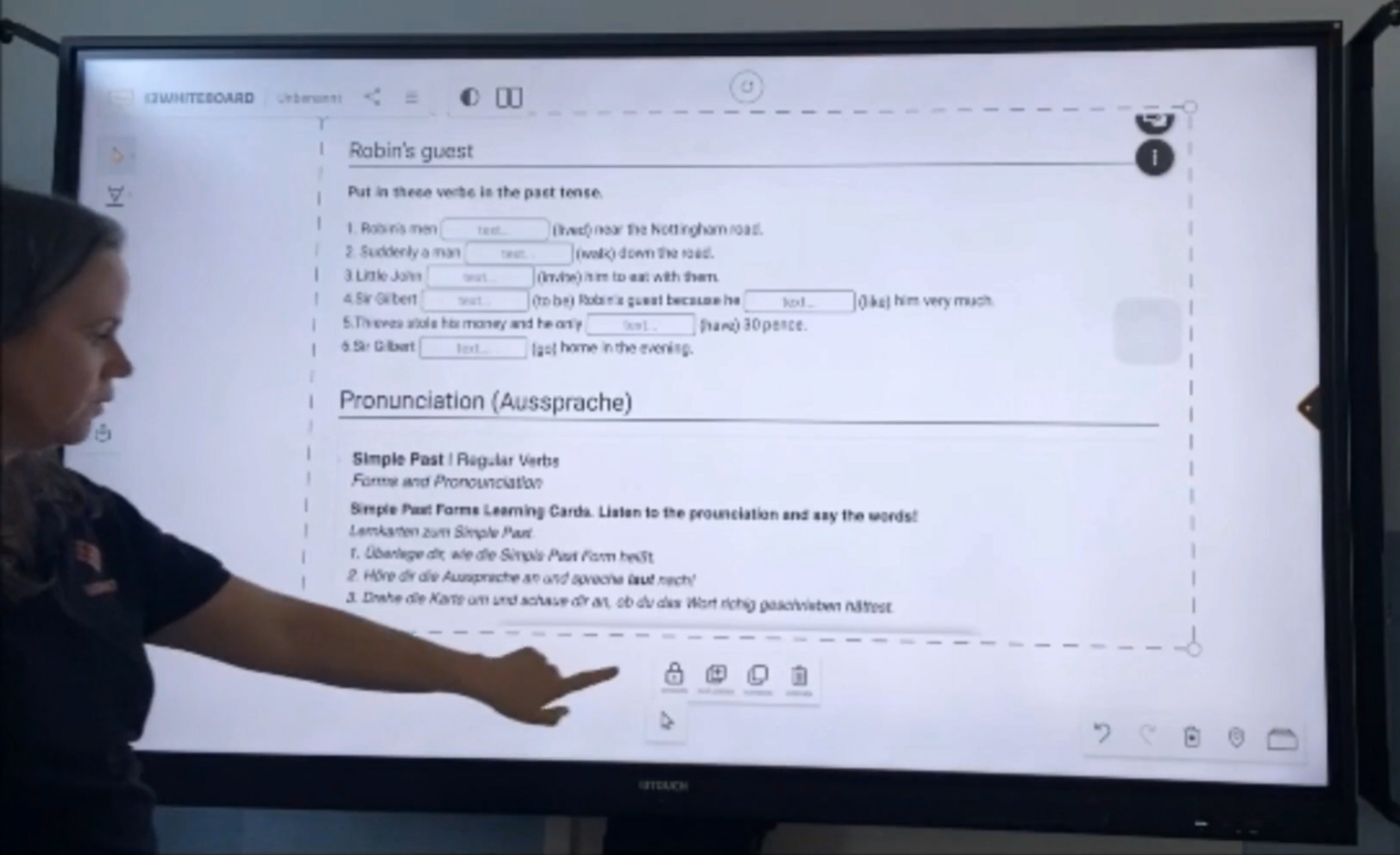
Maximize Impact!
Unlock the ability to steer, focus, and craft interactive phases with precision using Freeze and Comment tools.
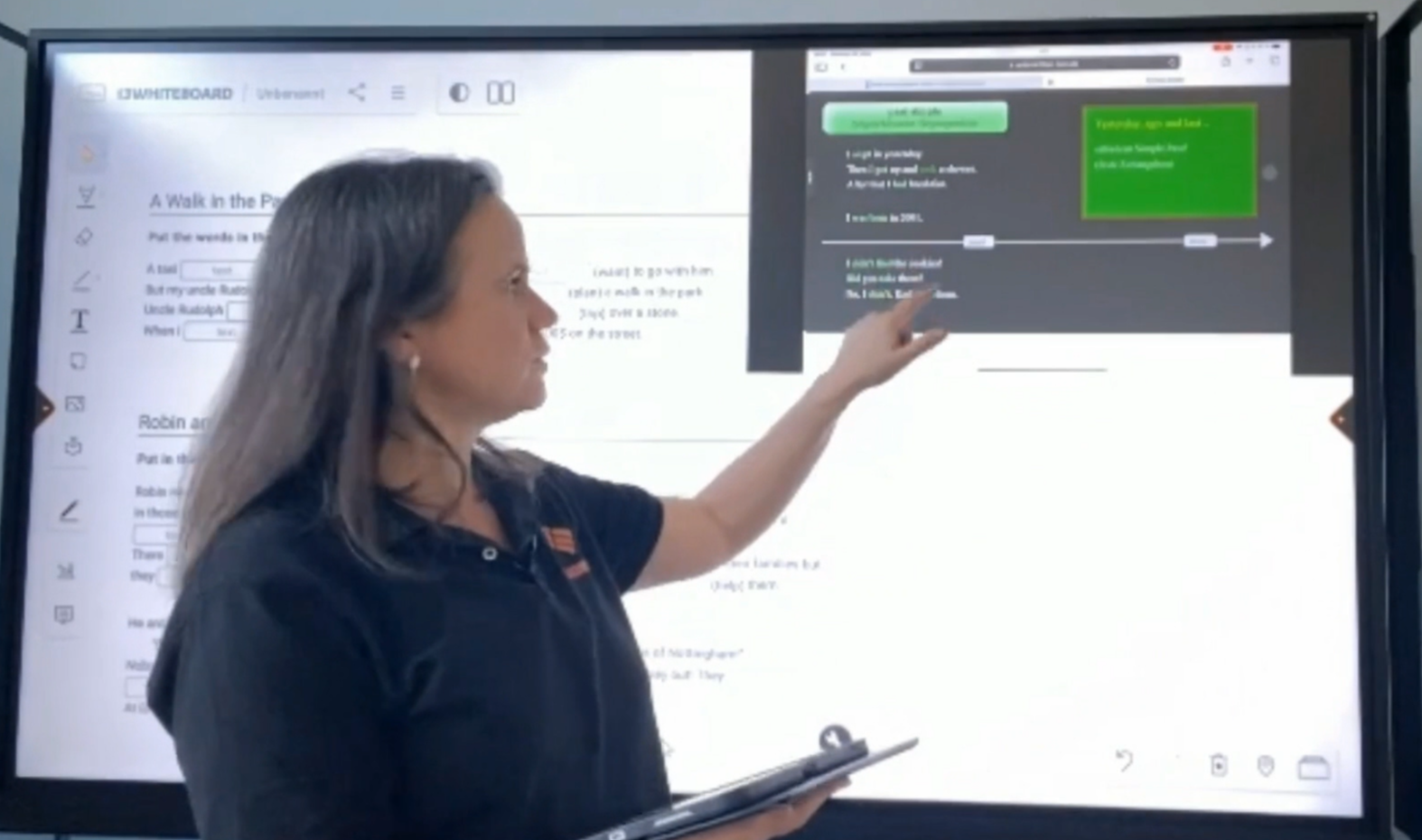
Connect content visibly
Discover the power of multitasking with i3AllSync's unique Picture-in-Picture function, enabling you to guide tasks and share content in real-time.

Anne Delacroix
Originally from France, I've called Germany my home for many years now, both personally and professionally. As a high school teacher, I've witnessed firsthand the transformative power of digital tools in the classroom. At i3Connect, I guide educators in seamlessly integrating our solutions with joy and practicality. My focus is on providing clarity, actionable advice, and support on equal footing. I look forward to accompanying you with experience, passion, and the unwavering goal of simplifying digital education.
Curriculum
-
1
1. Introduction & Overview
-
(Included in full purchase)
Learn in your language
-
(Included in full purchase)
Course Overview
-
(Included in full purchase)
Introduction
-
(Included in full purchase)
-
2
2. Everything in Reach: What You Need & Where to Find It
-
(Included in full purchase)
What You Will Learn in This Section
-
(Included in full purchase)
Where can I find the app on the display?
-
(Included in full purchase)
Network and operating system
-
(Included in full purchase)
Are you ready for the next step?
-
(Included in full purchase)
-
3
3. iOS in the Classroom: Mirror, Optimize, Go!
-
(Included in full purchase)
What You Will Learn in This Section
-
(Included in full purchase)
How do you cast your iPad's screen to a display?
-
(Included in full purchase)
In action: connecting the iPad to the board step by step
-
(Included in full purchase)
iPad in razor-sharp quality – How to improve image quality with i3Allsync
-
(Included in full purchase)
iPad mirroring - All set?
-
(Included in full purchase)
-
4
4. Mastering Windows: Mirroring and Interactive Features
-
(Included in full purchase)
What You Will Learn in This Section
-
(Included in full purchase)
Preparing Windows – How to get started with the i3AllSync app
-
(Included in full purchase)
Connecting Windows – Mirroring your device in just a few steps
-
(Included in full purchase)
Windows + Touch – Work interactively directly on the board
-
(Included in full purchase)
Additional Information: Using the Touch Function with a Cable Connection
-
(Included in full purchase)
Windows mirroring - All steps clear?
-
(Included in full purchase)
-
5
5. Notes for Android and Mac Users
-
(Included in full purchase)
What You Will Learn in This Section
-
(Included in full purchase)
Using Android – Quick Start
-
(Included in full purchase)
Connecting a Mac – In a Few Steps
-
(Included in full purchase)
-
6
6. Practical Use in Class: Tools for ALL Devices
-
(Included in full purchase)
What You Will Learn in This Section
-
(Included in full purchase)
Freeze the screen – Work focused, without interruption
-
(Included in full purchase)
Additional Information: Using the Freeze Function via the Remote Control
-
(Included in full purchase)
Save screenshots – Transfer mirrored content directly to the whiteboard
-
(Included in full purchase)
Two contents at the same time – How picture-in-picture works with i3AllSync
-
(Included in full purchase)
Do you have the functions under control?
-
(Included in full purchase)
-
7
Help us make things better
-
(Included in full purchase)
How can we keep improving?
-
(Included in full purchase)
Join Now!
Discover the untapped potential on your board and unleash it in your classroom.