Complete Setup & Installation
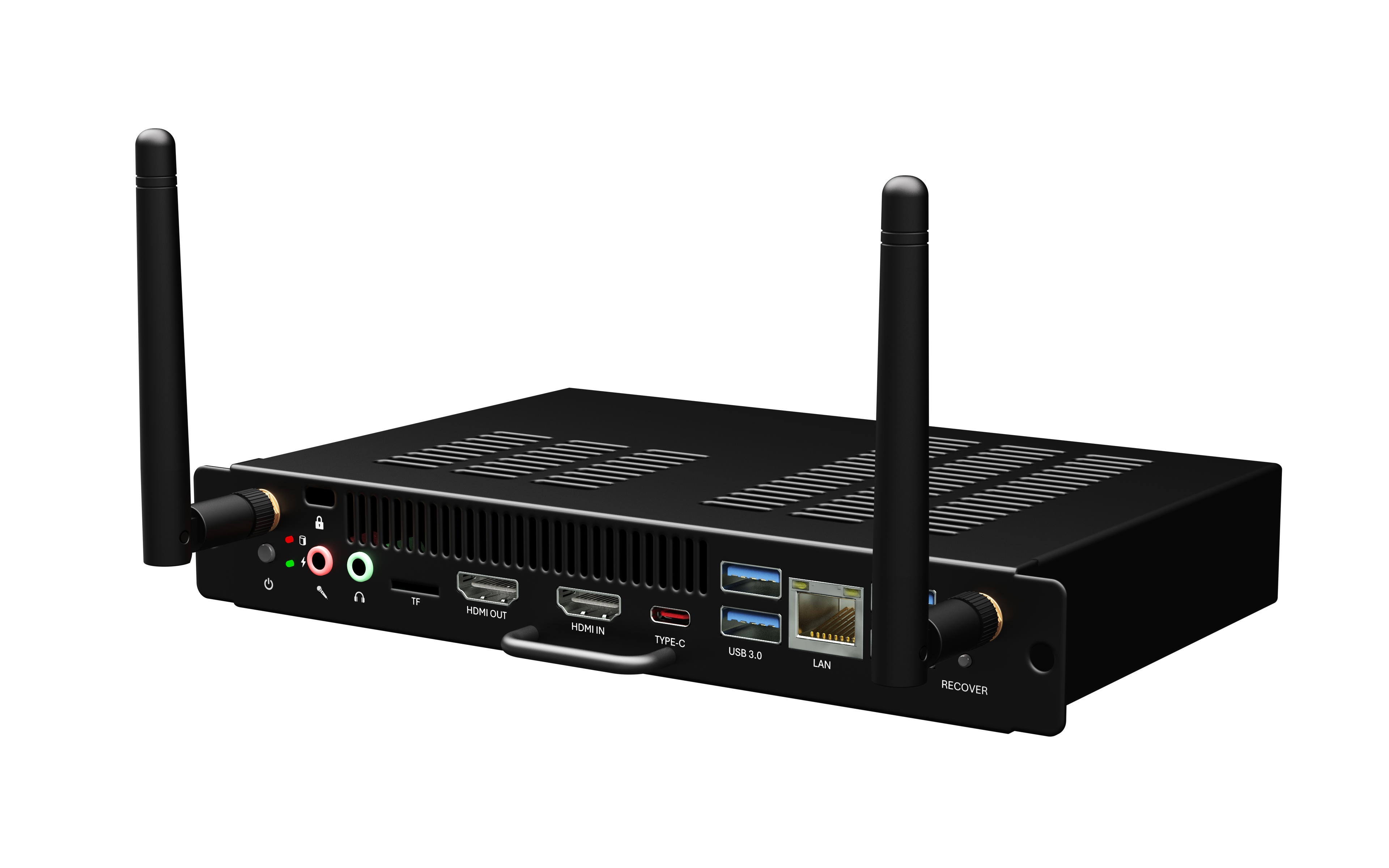
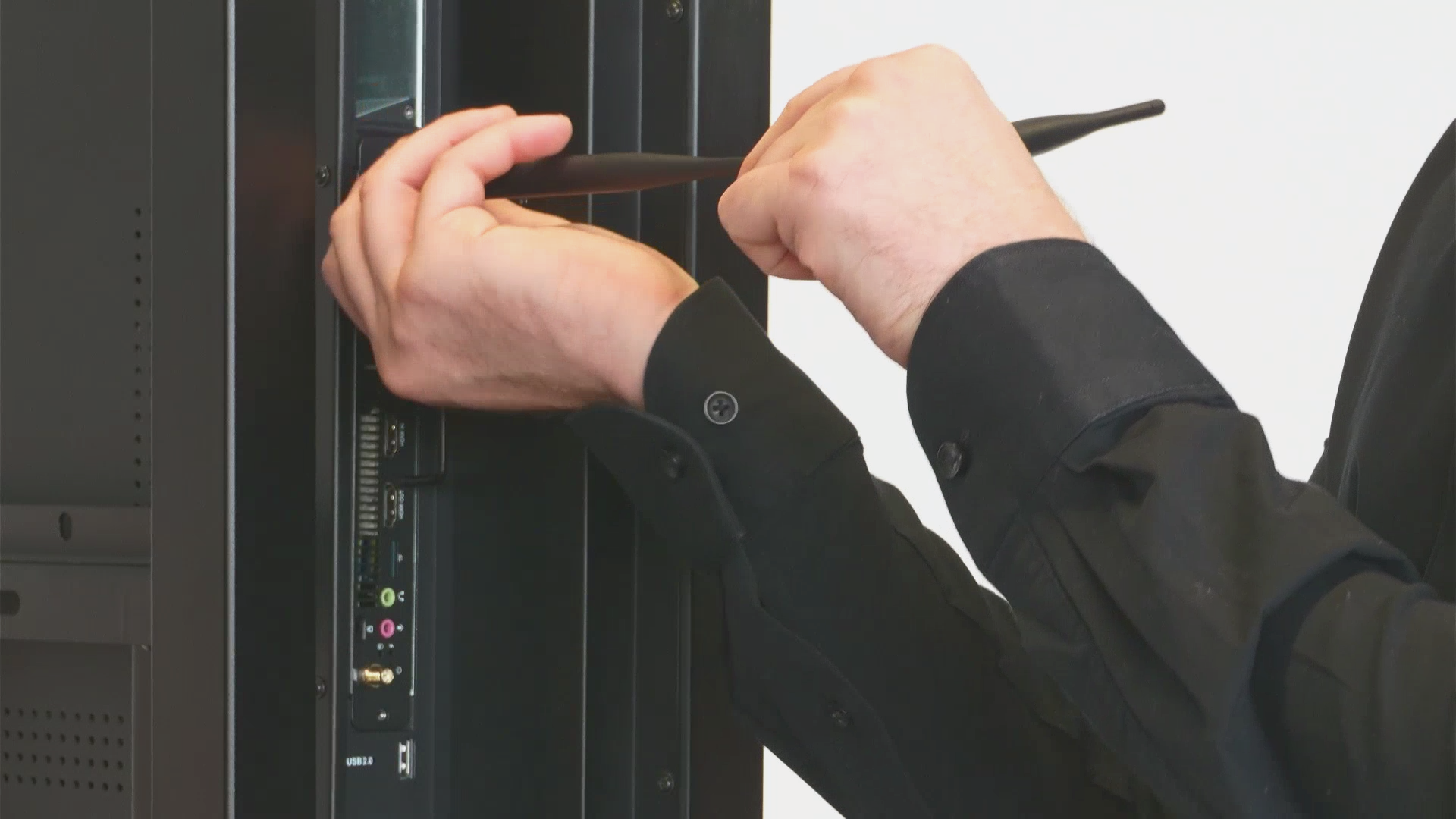
Master the correct installation process and understand every port on your device. Clear, step-by-step guidance that gets you up and running in minutes.
Multiple Connection Methods
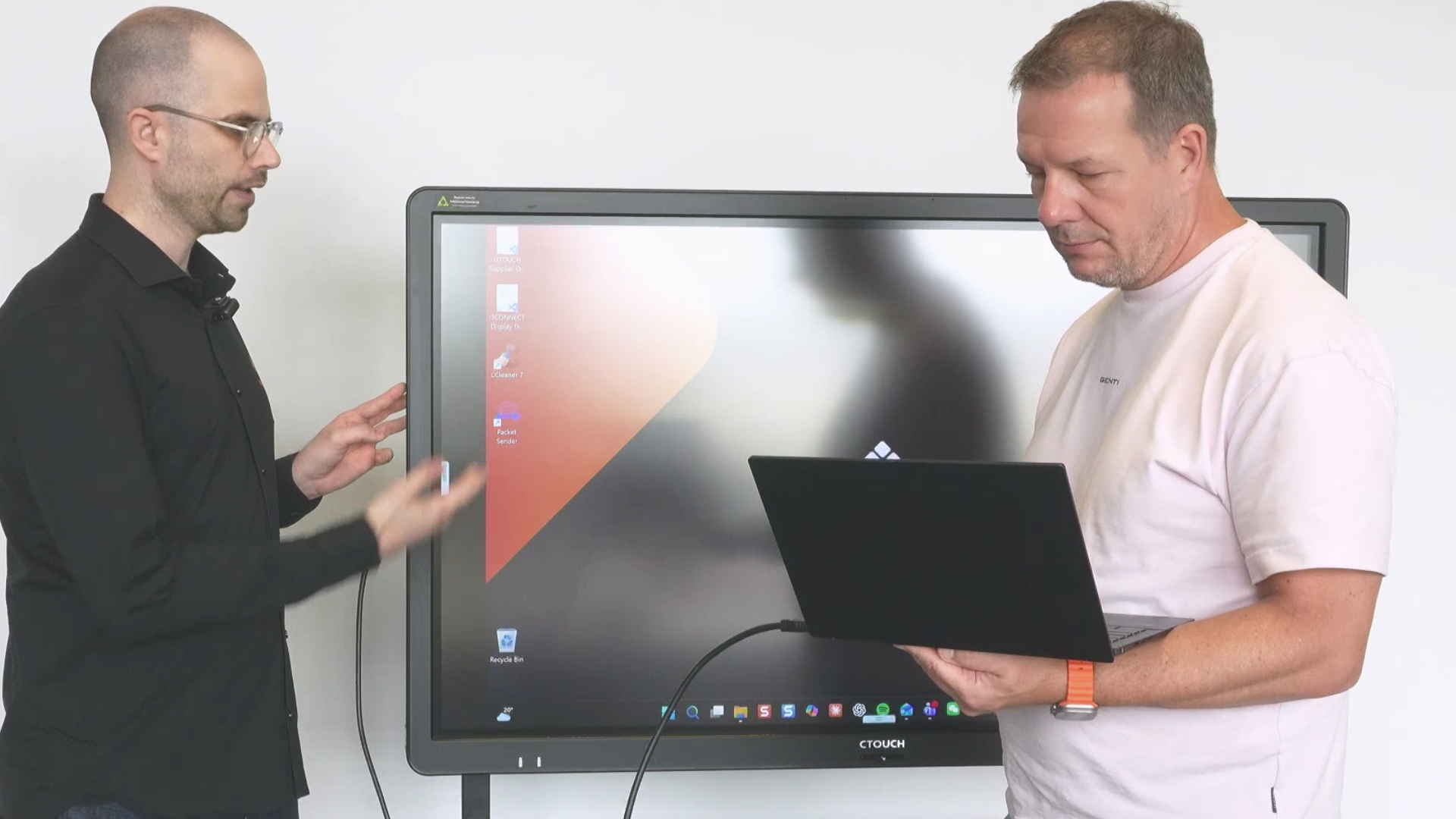
Learn all the ways to connect your laptop: traditional cable connections, wireless sharing via Allsync dongle, and remote management through Cortex. Choose what works best for your workflow.
Professional Whiteboard & Annotation Tools
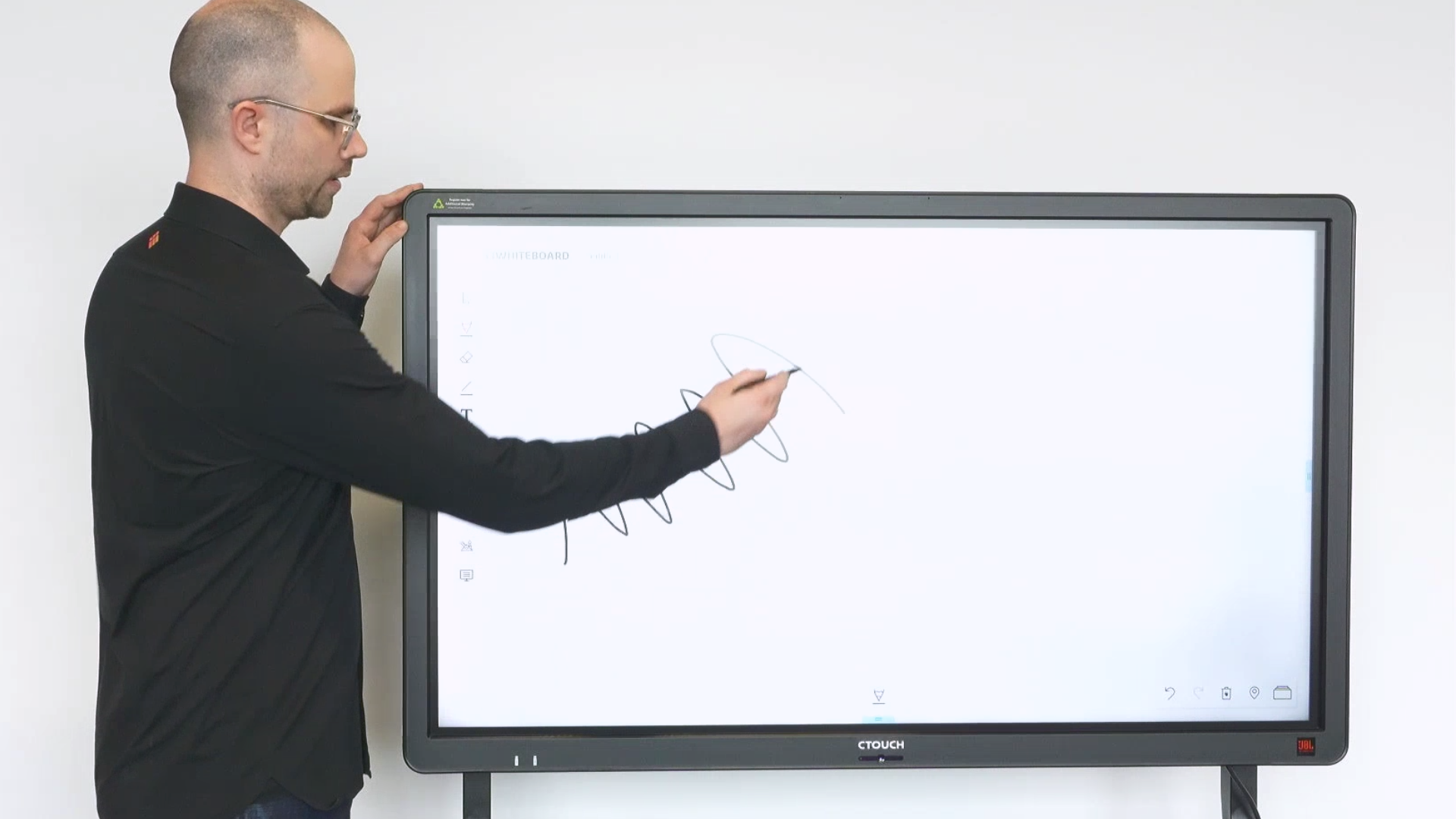
Discover lightning-fast whiteboard performance and annotation capabilities that keep pace with your ideas. Collaborate smarter, with tools designed for modern workspaces.
About the Course
If you're managing interactive displays, you know that speed, reliability, and ease of use matter. Studio OPS is the upgrade that transforms your standard flat-panel display into a like-new i3CONNECT Studio display. This course walks you through everything: what Studio OPS is, how to install it correctly, how to connect your devices using multiple methods, and how to leverage the powerful whiteboard and annotation tools that make collaboration effortless. Whether you're an IT professional managing multiple displays, an educator looking to maximize classroom technology, or a business leader wanting to improve meeting room productivity, this course gives you the confidence and knowledge to get the most out of your investment. By the end, you'll understand not just how to use Studio OPS, but why each feature matters and how to integrate it seamlessly into your workflow. Ready to become a Studio OBS expert? Let's get started.
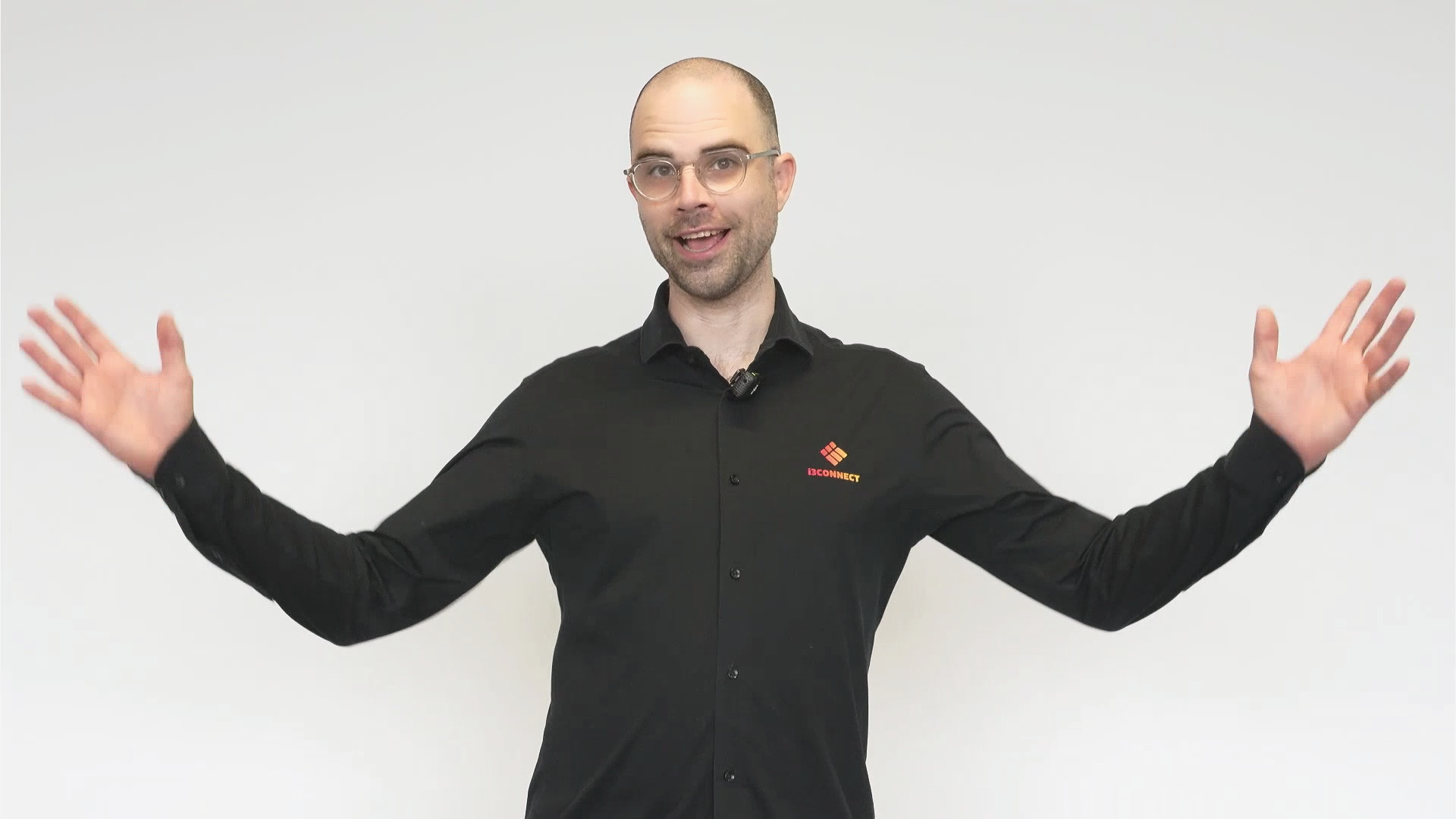
About Your Instructor
Hey! My name is Rhys and I've spent years working with interactive display technology and helping teams unlock the real potential of their digital tools. I've seen firsthand how proper setup and knowledge can transform the way people collaborate and communicate. I created this course to simplify the Studio OPS installation, show the ease with which you can connect your laptop, and to demonstrate the performance boosts. My mission is simple: give you the clarity and confidence to master your display technology so you can focus on what really matters—your work, your teaching, your meetings.
What You'll Learn
-
-
(Included in full purchase)
Learn in your language
-
(Included in full purchase)
What is Studio OPS
-
(Included in full purchase)
Installation
-
(Included in full purchase)
Ports & buttons
-
(Included in full purchase)
Startup Wizard
-
(Included in full purchase)
Make Studio your home-screen
-
(Included in full purchase)
Sharing your laptop screen
-
(Included in full purchase)
Settings and remote management
-
(Included in full purchase)
Test your knowledge!
-
(Included in full purchase)
How can we improve?
-
(Included in full purchase)
Ready to upgrade your Digiboard?
Stop wasting time troubleshooting. Get the knowledge you need to install, connect, and use Studio OPS like a pro. Your team will thank you for the improved performance and seamless collaboration.