Start any meeting
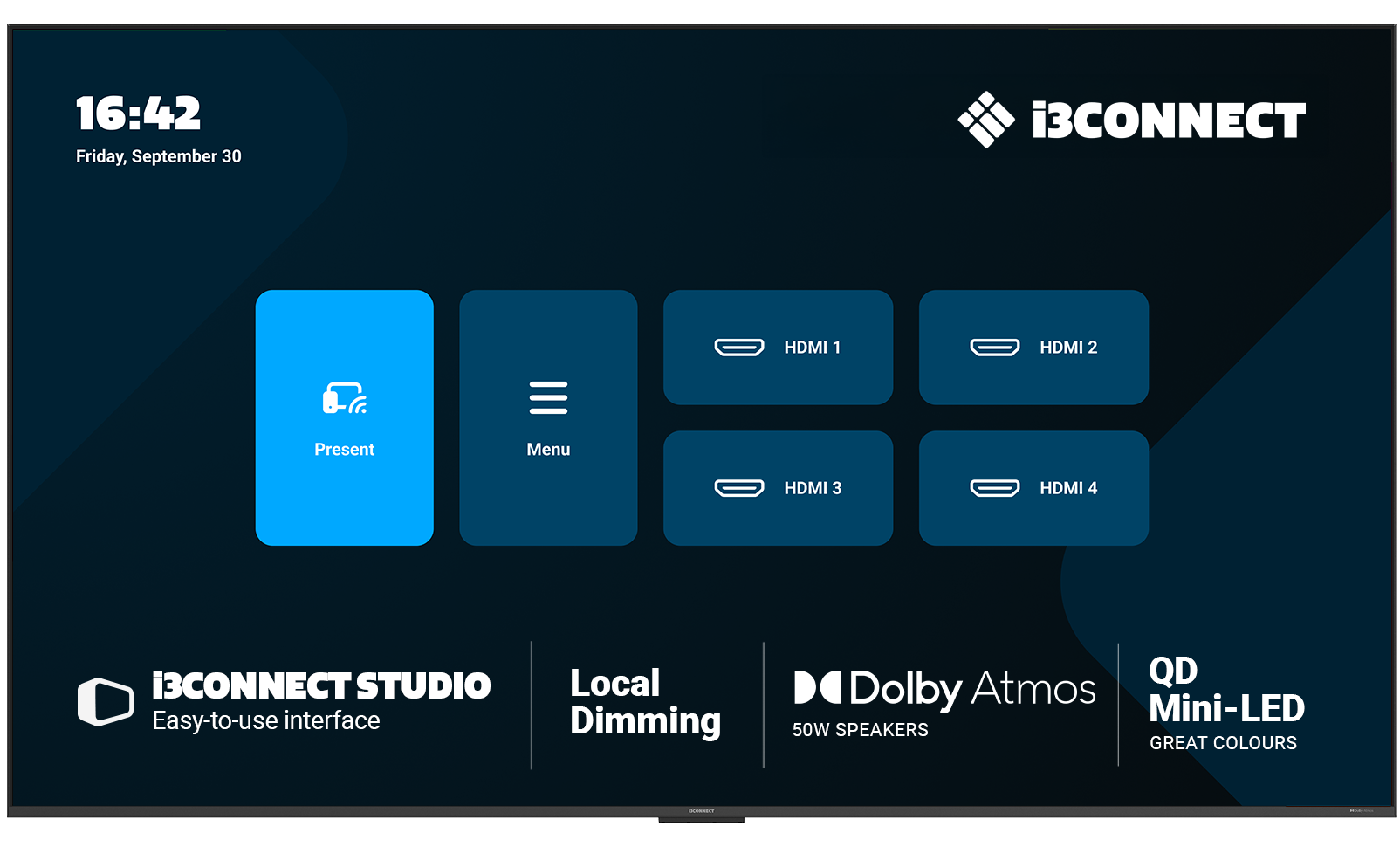
Wake the display, find the right source, and share your laptop over HDMI or wirelessly. Phones and tablets too, over AllSync, AirPlay or Chromecast.
Be seen and heard
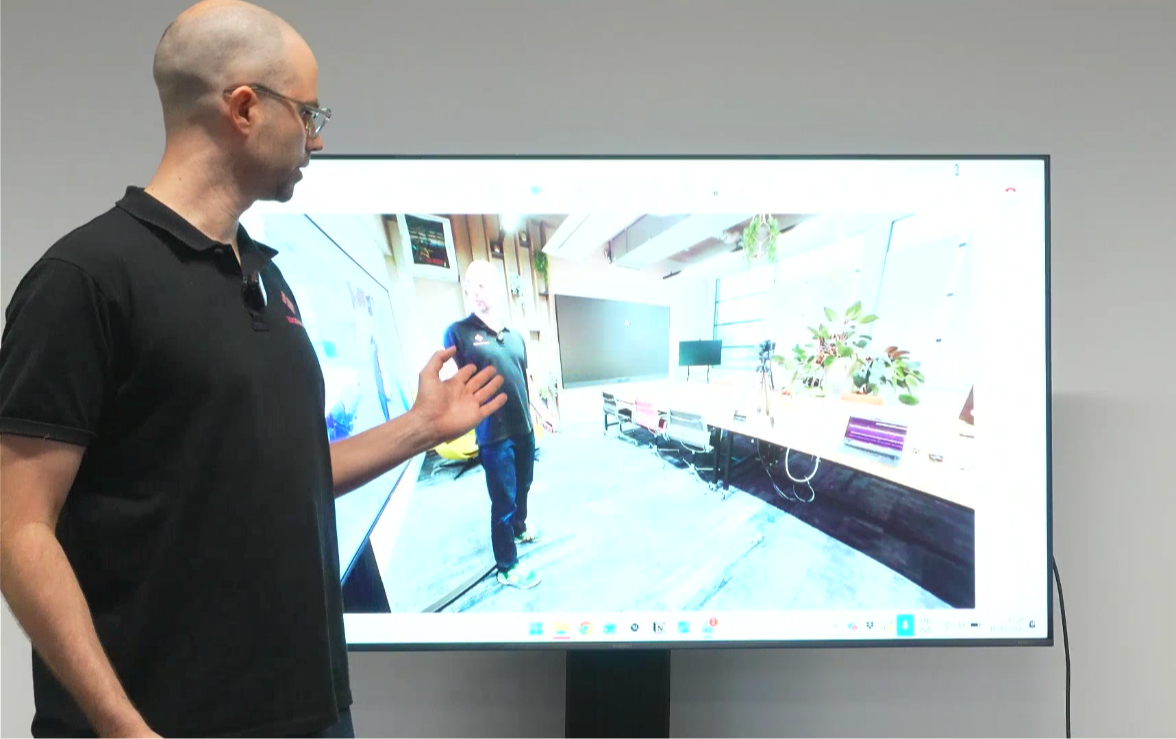
No image, no sound, a laptop that won't share. Each fix is walked through in the order you should try it, and you'll know exactly what your IT admin needs from you if none of them work.
IT & Facilities tips
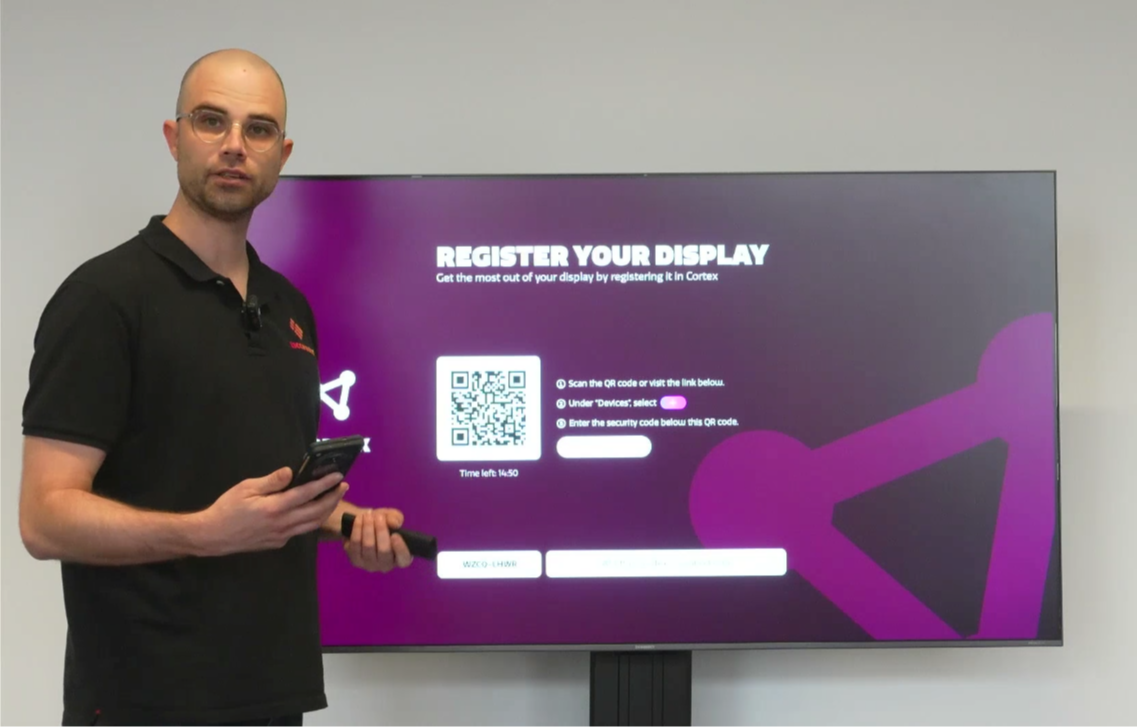
The last chapter covers the Studio settings, the AllSync setup, enrolling the display in i3CONNECT Cortex, and running the room from your desk instead of from the room.
About the course
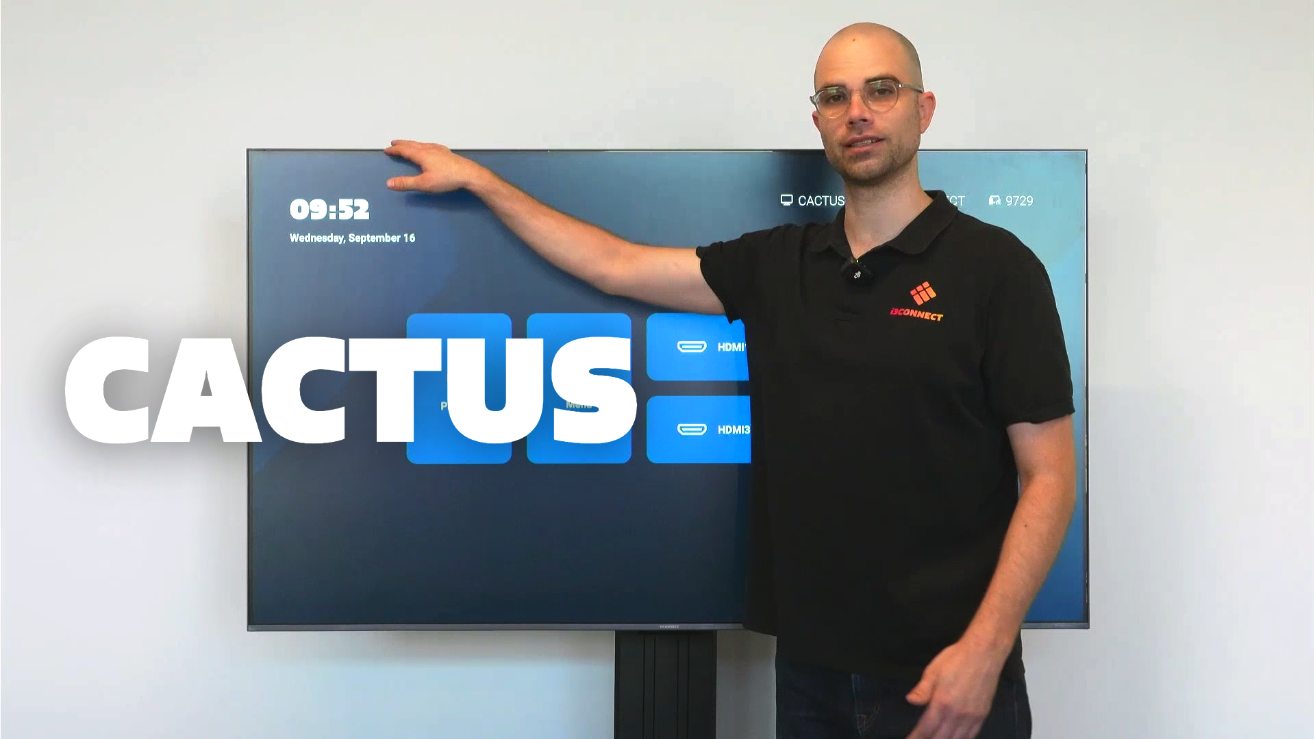
Cactus is our non-touch professional display, running the same i3CONNECT Studio interface you already know from our touch displays, driven with a remote instead of your finger. This course takes you from walking through the door to a working presentation, in short lessons of one topic each, so you can go in order or jump straight to whatever you're stuck on. Chapters one to four assume no technical knowledge at all, and chapter five covers the settings, the wireless sharing setup and remote management for the IT and facilities people who own the display. Most lessons end with something small to try, so keep a Cactus in front of you if you can.
Rhys Duindam
Lead Innovation Manager at i3CONNECT Leading the Cactus launch meant learning the display the same way you're about to, standing in front of one with a remote and working out what happens when you press things. My job is about making our products make sense to the people using them, which is why this course starts at the power button and assumes nothing.
Curriculum
-
-
(Included in full purchase)
What you will learn
-
(Included in full purchase)
What is the Cactus?
-
(Included in full purchase)
Starting up & moving around
-
(Included in full purchase)
-
-
(Included in full purchase)
Sharing your screen (HDMI cable)
-
(Included in full purchase)
Casting your screen (wirelessly)
-
(Included in full purchase)
Casting with the AllSync app
-
(Included in full purchase)
Casting with an Apple / Mac
-
(Included in full purchase)
Casting with the Dongle
-
(Included in full purchase)
Casting with Tablets / Smart phones
-
(Included in full purchase)
-
-
(Included in full purchase)
Coming soon!
-
(Included in full purchase)
-
-
(Included in full purchase)
Accessing the Android apps
-
(Included in full purchase)
Screen care
-
(Included in full purchase)
When something doesn't work
-
(Included in full purchase)
-
-
(Included in full purchase)
Cable ports on the back
-
(Included in full purchase)
More coming soon!
-
(Included in full purchase)
-
-
(Included in full purchase)
Coming soon!
-
(Included in full purchase)
How can we improve?
-
(Included in full purchase)
Ready when you are
Fifteen short lessons, free, and no technical background needed. Take them in order, or pick the one you need and get back to your meeting.