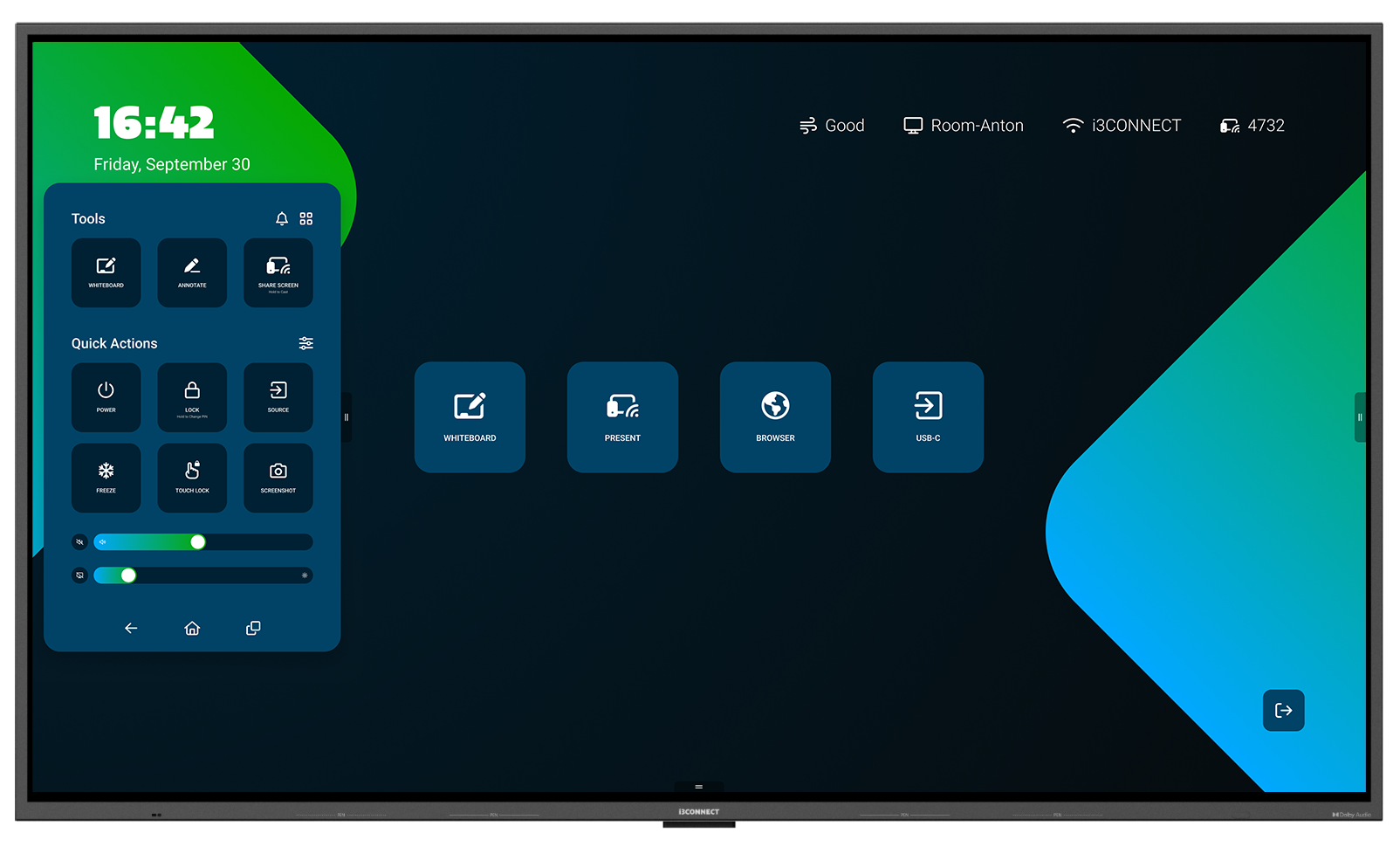
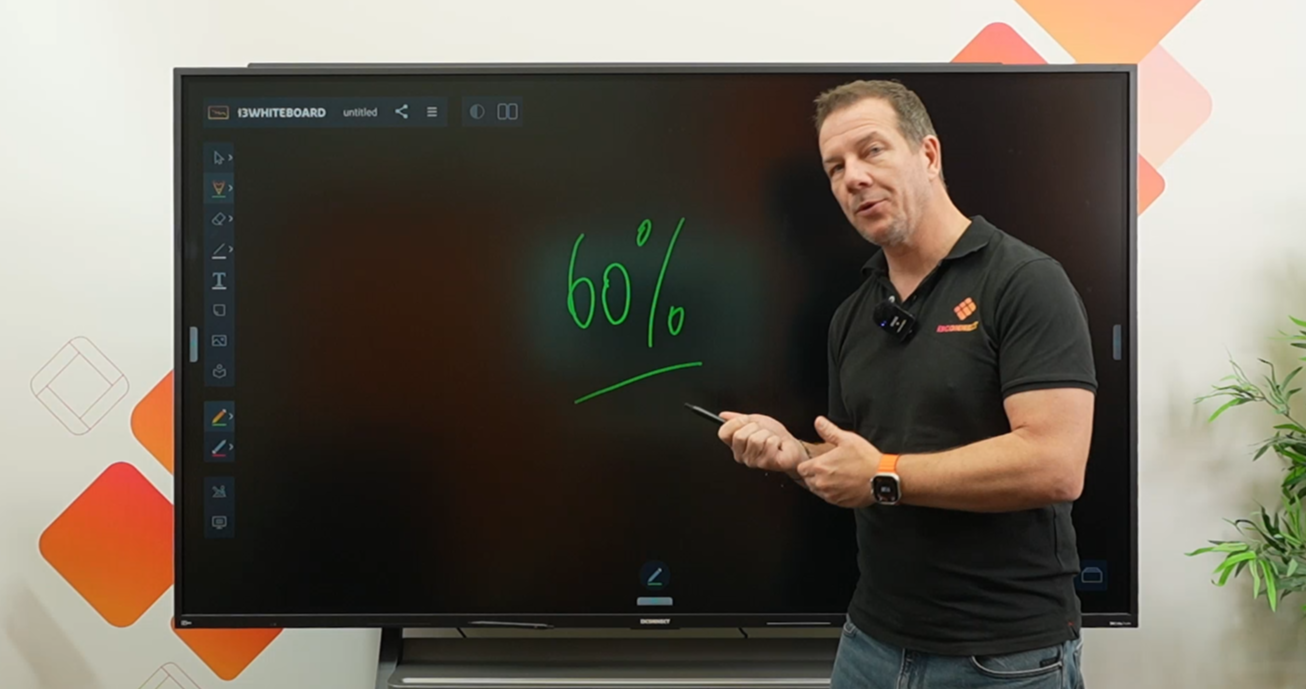
Discover What Makes Aspen 4 Special
Explore the unique features and capabilities that set Aspen 4 apart from other interactive displays
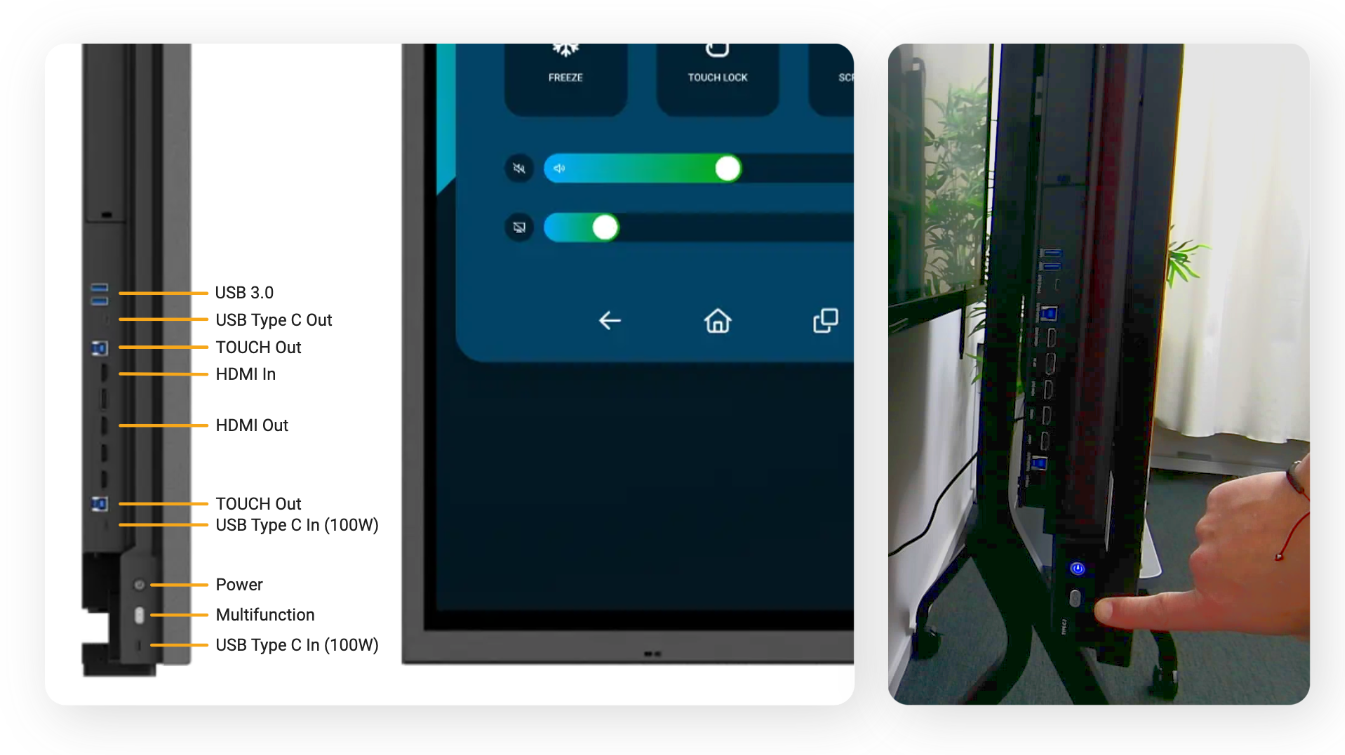
Learn About the Ports on the Side of the Display
Understand the functionality and uses of the various ports on the Aspen 4 interactive flat panel display
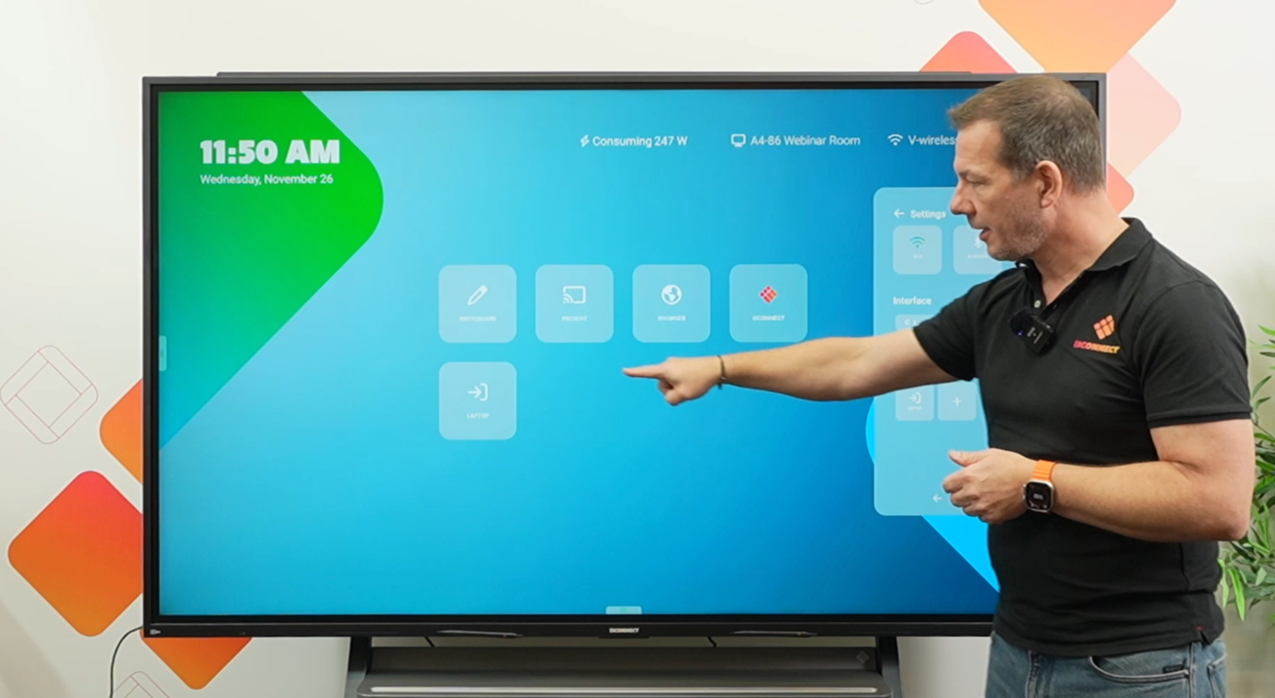
Master Using the Studio Interface
Navigate and utilize the Studio interface efficiently to enhance your interactive display experience
About the Course
This course is designed to help you unleash the full power of the Aspen 4 interactive flat panel display from i3CONNECT. Dive into essential lessons such as exploring the unique features of Aspen 4, understanding the display's ports, using the Studio interface effectively, learning about sustainability, and mastering source usage and front-screen tile modifications. Join Willem Jan van der Meer, the product owner of Aspen 4, and gain insights from his years of experience in the touch display industry.

About the Creator
Willem Jan van der Meer, the product owner of the Aspen 4 interactive flat panel display at i3CONNECT, brings a wealth of experience in the touch display industry to this course. With a passion for sharing knowledge and expertise, Willem is dedicated to helping you master the Aspen 4 and elevate your interactive display skills.
Course Curriculum
-
1
Introduction to Aspen 4
-
(Included in full purchase)
Learn in your language
-
(Included in full purchase)
What Makes Aspen 4 Special?
-
(Included in full purchase)
How do I turn on my screen?
-
(Included in full purchase)
Using the Studio Interface
-
(Included in full purchase)
Multifunction button
-
(Included in full purchase)
Annotation tool
-
(Included in full purchase)
Ports on the side of the screen
-
(Included in full purchase)
Sources and setting up tiles
-
(Included in full purchase)
Sustainability
-
(Included in full purchase)
Thanks for following
-
(Included in full purchase)
Test your knowledge!
-
(Included in full purchase)
How can we improve?
-
(Included in full purchase)
Ready to Master the Aspen 4?
Unlock the full potential of your interactive display and enhance your teaching experience